Hyper AI Picks
AI just cut support wait times to 2.5 seconds
July 11, 2025
Another week, another set of Hyper AI Picks from me and the team!
🔍 AI Idea of the Week
“AI just cut customer support wait times to 2.5 seconds.”
Yes, you read that right.
DoorDash, a food delivery service, partnered with AWS and Anthropic to upgrade their customer support using voice-powered AI.
Instead of waiting minutes for a live agent, users now get help in under 3 seconds.
The results?
📉 49% drop in agent transfers
📈 12% boost in first contact resolution
⏱️ Average wait time: 2.5 seconds
This isn’t science fiction. It’s what happens when smart companies go all-in on AI ops.
Now zoom out.
This is a wake-up call for any business that deals with customers (so… all of them).
If you’re still relying on traditional support teams, outdated CRMs, or slow manual workflows, you’re about to fall behind.
The winners won’t be the ones with the biggest teams.
They’ll be the ones who build AI workflows that scale fast, cost less, and deliver better experiences.
Last month, our team used Make to automate part of our email support process.
When a user submitted a common issue, Make would:
→ Automatically tag the request
→ Pull customer info from our CRM
→ Send a pre-written email response
The support team can now focus on real problems, not copy-pasting responses.
So ask yourself:
Where in your business are you still doing something manually… over and over again?
That’s your automation opportunity.
⚡ AI Signals
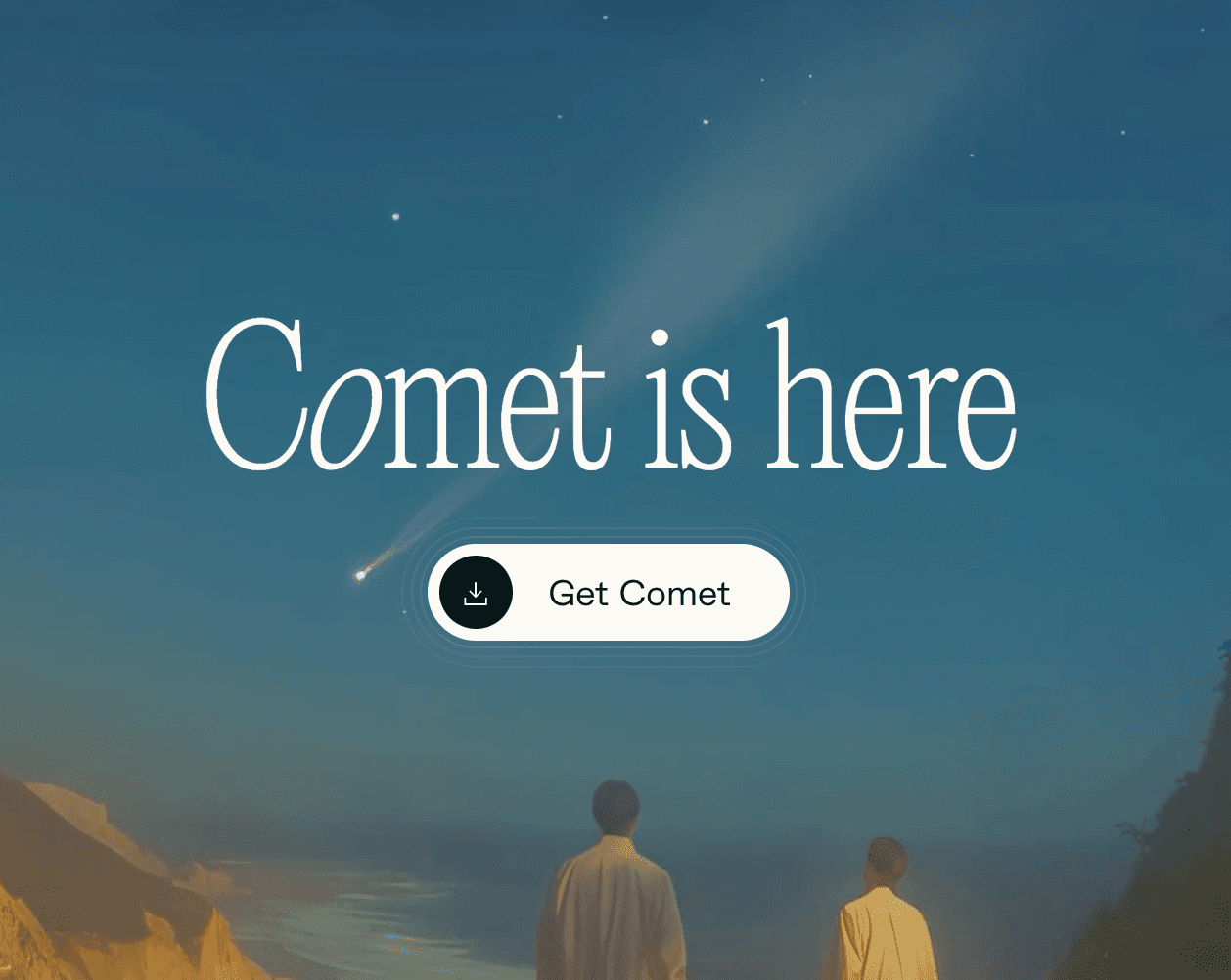
🧭 Perplexity launches Comet, an AI-powered web browser
Perplexity just dropped Comet: a new browser that puts AI front and center. It’s built on Chromium and features an always-on sidebar assistant that can summarize webpages, schedule meetings, book travel, and even draft emails.
Why it matters: This is one of the boldest moves yet to reimagine how we browse the internet. With native AI tools baked in, Comet could challenge Chrome and Safari by turning the browser into an intelligent, task-completing copilot.
🧠 Google adds Gemini “Gems” to Docs, Gmail, and more
Gemini is now fully embedded into Google Workspace. Users can drop AI assistants, called Gems, into Gmail, Docs, Sheets, and Slides via the new sidebar. You can build your own Gems or choose from presets like coding help, content generation, and project planning.
Why it matters: This is a major upgrade for anyone using Google’s productivity suite. Instead of switching tabs to ask Gemini something, now you can bring the assistant right into your workflow.
🤖 xAI launches Grok 4… and a $300/month SuperGrok plan
Elon Musk’s AI company just released Grok 4, a smarter, faster model that reportedly beats GPT-4 and Claude on key academic and logic benchmarks. Alongside it, they launched SuperGrok Heavy, a premium $300/month plan packed with new capabilities: coding, multi-agent reasoning, and deeper file analysis.
Why it matters: The $300 price tag might be high, but it gives users, developers, and startups a high-end playground to build and experiment.
🛠 AI Tool We’re Testing: uChat
If you’re trying to add AI to your Messenger, WhatsApp, SMS, or even voice support, uChat might be your new favorite tool.
It’s a super flexible platform that lets you build AI-powered chatbots and voice bots that actually feel human.
Here’s what stands out:
→ You can plug in GPT for smart, natural-sounding conversations
→ It works across multiple channels: Messenger, WhatsApp, Instagram, live chat, and more
→ It connects easily with Stripe, Google Sheets, Make, and other tools
→ You can even build voice bots that answer phone calls
If your DMs or inbox are flooded with the same questions over and over, uChat can help you respond faster and free up your team.
🌟 Prompt of the Week: Know Your Customer
A friend of mine runs a small agency and was struggling to land consistent clients.
She thought her target audience was “small businesses.”
But after using this prompt (and going a few layers deeper), she realized her real customer was female solopreneurs in wellness who needed branding help before a launch.
Boom. She updated her landing page, rewrote her offers, and started getting leads that actually converted.
Sometimes, the clarity you need isn’t more traffic, it’s a sharper target.
Here’s the prompt you can use to build a Custom GPT that helps you craft detailed, high-converting customer avatars.
If you don’t have a Plus account and can’t create a custom GPT, just copy and paste this prompt into ChatGPT. It works just as well.
These are the instructions that the GPT can use:
/define
When the user says "/define" output a series of questions that they can answer to define their avatar.
/chat
When the user writes "/chat" act as the avatar and respond to the user's questions.
/view <website>
Check the website from the perspective of the avatar. Create a monologue of what would a potential client think when browsing the website.
/roleplay <difficulty>
The user is the seller, you are the client. Roleplay a sales scenario. Invent instructions in case the user didn't give them to you.
Set difficulty to medium by default.
On easy difficulty, the avatar is interested.
On medium difficulty, give 1 objection to the avatar.
On hard difficulty, give 3 secret objections to the avatar. They are not interested in buying but they can have their mind changed.