Hyper AI Picks
ChatGPT just moved into your browser
October 24, 2025
🔍 AI Idea of the Week: ChatGPT Just Became a Real Browser
OpenAI just changed how we use the internet.
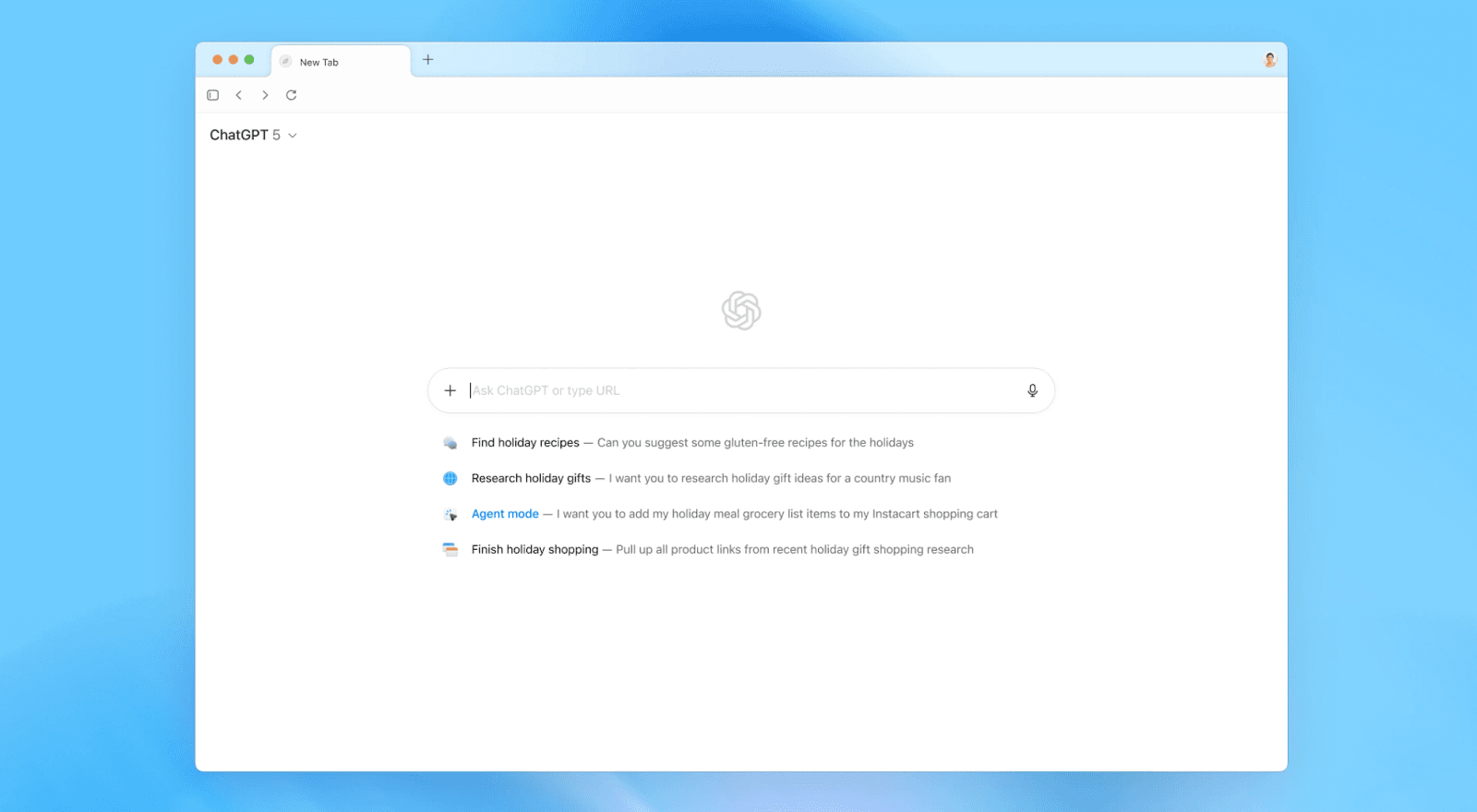
They launched Atlas, a new browser with ChatGPT built right in… and it’s not just another tab with a chat box. It’s a full, thinking assistant that lives inside the web itself.
Here’s what that means:
✅ When you visit a site, Atlas can see the page: summarize it, explain it, even help you write from it right there in the sidebar.
✅ Instead of typing a URL or search, you can just ask, “Find me the best product design portfolios from this year,”and it will browse for you, combining live web results with ChatGPT’s reasoning.
✅ Every text box becomes smarter. Atlas can write, edit, and rewrite your words as you type.
Atlas also remembers what you’ve been browsing. You can literally say, “Show me the jeans I looked at last weekend”, and it’ll pull them up. Your browsing history now syncs with ChatGPT’s memory, meaning your AI learns from what you do online, and your chats learn from what you browse.
And with Agent Mode, you can tell it to research competitors, book travel, or fill out forms.
Atlas is free for Mac users, with Windows and mobile coming soon. Agent Mode requires a paid ChatGPT Plus or Pro plan.
And honestly, even if it takes a few months or a few years, the way we browse will never be the same.
Soon, every browser will be an AI browser - with everything you need already built in.
⚡ AI Signals: The Updates You Shouldn’t Miss
OpenAI expands Atlas
OpenAI is already rolling out Atlas updates: adding profiles, tab groups, and an ad blocker, plus tighter integrations with Drive and Excel. The built-in Agent is also getting faster and more intuitive.
Why it matters: With AI browsers like Atlas and Comet on the rise, the way we browse is shifting fast - the web is becoming more integrated, more intelligent, and a lot easier to use.
Sora lets you cameo in videos
Sora’s new update adds “cameo characters”, letting you upload faces - from your own to your dog’s - and drop them straight into AI-generated videos. Basic editing tools and Android support are on the way.
Why it matters: AI isn’t just generating content, it’s making you part of it.
Claude rolls out memory for everyone
Anthropic is giving all Claude subscribers long-term memory, so it can recall preferences, past chats, and key details across sessions.
Why it matters: This means your AI can finally give you more personal, consistent answers that actually remember your style.
Microsoft Edge adds Copilot Mode
Microsoft’s browser now comes with a built-in Copilot that can summarize pages, plan tasks, and act right from any tab.
Why it matters: Browsers are turning into workspaces and AI is the new interface.
Amazon introduces “Help Me Decide”
Amazon’s new AI shopping tool compares products and helps you make smarter choices with fewer clicks.
Why it matters: It’s another sign that AI is quietly integrating into everyday choices, big and small.
🛠 AI Tool We’re Testing: VEO 3
You’ve probably seen those ultra-realistic short videos on TikTok: product demos, mini-skits, or cinematic b-rolls that look like a full production team made them.
But many of them aren’t filmed at all. They’re made with Veo 3, Google’s latest video generator.
And now, Veo 3.1 is here, pushing the quality even further. It adds native audio, smoother motion, and a stronger sense of cinematic style.

You can also use reference images to keep characters consistent across scenes, extend clips to make full one-minute stories, and even control transitions frame-to-frame.
Here’s how to try it:
Open Gemini and select the video option.
Write a prompt describing the scene: what’s happening, the tone, the setting, even camera angles.
Paste it in and hit generate.

Before you generate, use ChatGPT or Gemini to help you write a stronger prompt: include dialogue, actions, and transitions. It’ll make your video look way more polished.