Hyper Entrepreneur Dispatch
NotebookLM gets a big upgrade
November 28, 2025
NotebookLM has always been underrated, but the recent updates make it genuinely more useful.
If you haven’t tried it before, it’s free… and it’s one of the easiest ways to work with your own materials.
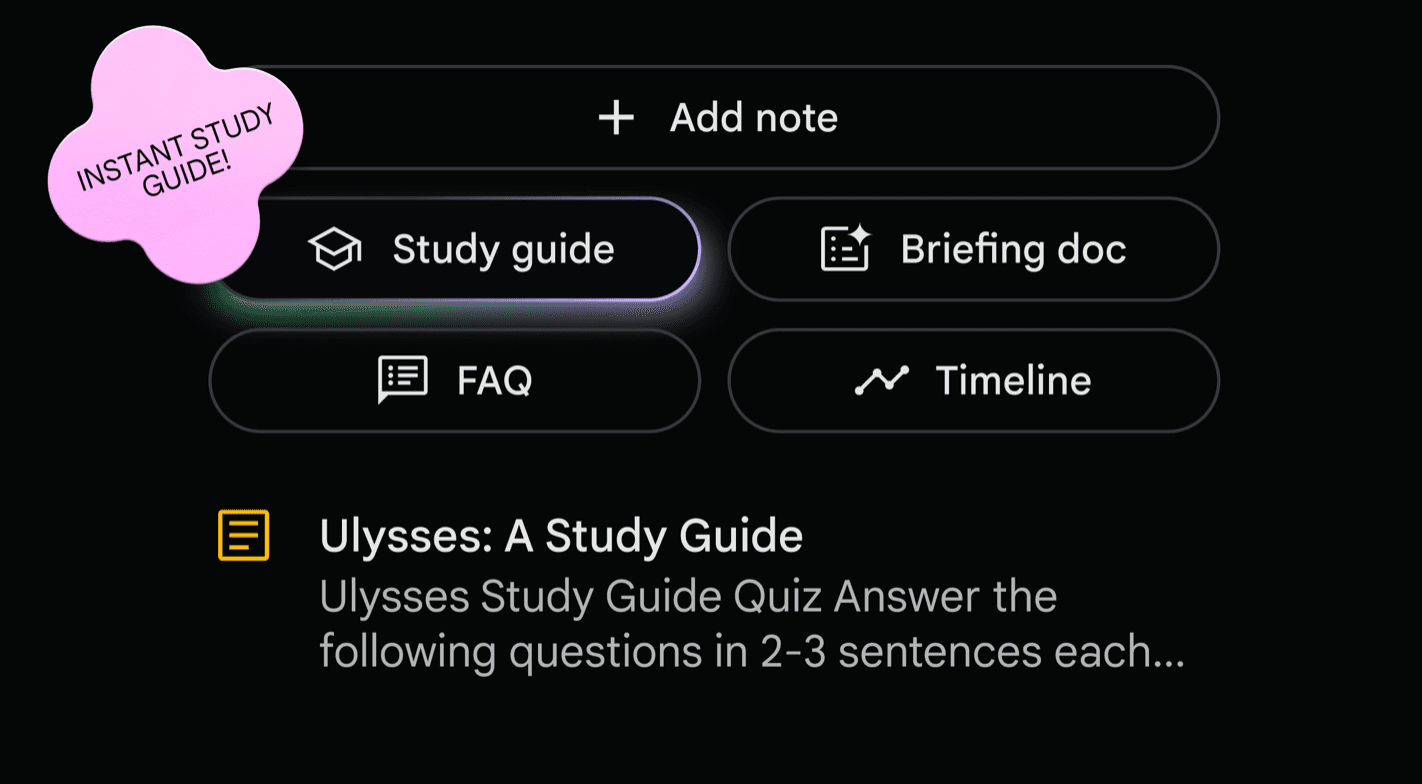
You just set up a notebook, add whatever you’re working with (PDFs, docs, links, videos, audio), it helps you explore that content.
The feature that made it blow up last year was the Audio Overview: a short podcast-style conversation where two AIs talk through your material in a surprisingly natural way.
Now there’s a Video Overview too - the same idea but presented with clean slides. It feels a bit like someone giving you a quick class on the topic you’re studying, and it’s a really easy way to get the main idea of something.
I’ve been loading in current AI and business research, generating an audio overview, and listening to it on walks. It’s a nice way to catch up on reading without actually sitting down to read.
⚡ AI Signals: The Updates You Shouldn’t Miss
ChatGPT adds voice directly inside chat
You can now just start talking to ChatGPT in the regular chat window. It responds in real time while showing answers, images, or maps right alongside your voice conversation.
Perplexity launches an AI personal shopper with PayPal
Perplexity now helps you compare products, ask follow-ups, and check out using PayPal without leaving the app. They’re aiming for a smooth, end-to-end “shop by chatting” experience.
Microsoft Copilot gets its own shopping assistant
Microsoft is adding a similar shopping assistant inside Edge. Copilot can help you compare prices, track deals, and find discounts, especially handy with the holidays coming up.
ChatGPT and Copilot are leaving WhatsApp
Meta is rolling out its own AI across WhatsApp, Instagram, and Messenger - and as part of the shift, third-party AI bots like ChatGPT and Copilot are being removed.
Anthropic releases Opus 4.5 with Chrome + Excel integrations
Anthropic released Opus 4.5 with new integrations that let Claude work directly inside Chrome and Excel - great for research, analysis, and heavier data workflows.
🛠 AI Tool We’re Testing: Magic Animator
This week I’ve been playing with Magic Animator, a new tool that brings one-click animation right into Figma.
You just select any frame or design element, hit generate, and it creates four variations in a few seconds.
It works with websites, app screens, logos, social posts - pretty much anything you can design.
After that, you get a full motion editor where you can adjust timing, tweak movements, and fine-tune the animation until it feels right.
There’s also a built-in AI assistant that lets you make changes by simply describing what you want (“make the button bounce,” “slow this down,” etc.).
When you’re done, you can export as a GIF for social media, MP4 up to 4K for presentations, or Lottie files for developers.

—
Thanks for reading, have an amazing week ahead. 🚀
Best,
Darius